
Features
WWhat you get with SellerImageAI
A curated hub of AI tools and workflows for ecommerce & POD sellers.Updated regularly with reviews, tutorials and real product image examples.
Higher-converting product photos
Learn how to create product images that attract more clicks and improve conversion rates across Etsy, Amazon, and Shopify.
Tested AI tools for sellers
We compare background removers, mockup generators, and product photo enhancers—so you know exactly which tool is worth using.
Step-by-step tutorials
Follow clear guides that show you how to create professional product photos, banners, and mockups—even if you’re not a designer.
Real examples & workflows
See real before-and-after images and proven workflows sellers use to boost CTR and create scroll-stopping visuals.
POD-friendly mockup methods
Learn AI-powered processes tailored for print-on-demand sellers: apparel, mugs, posters, phone cases, and more.
Honest reviews & alternatives
Get unbiased reviews of AI tools, pricing breakdowns, pros/cons, and the best alternatives for different types of sellers.
Inside template
Top AI tools for better product photos
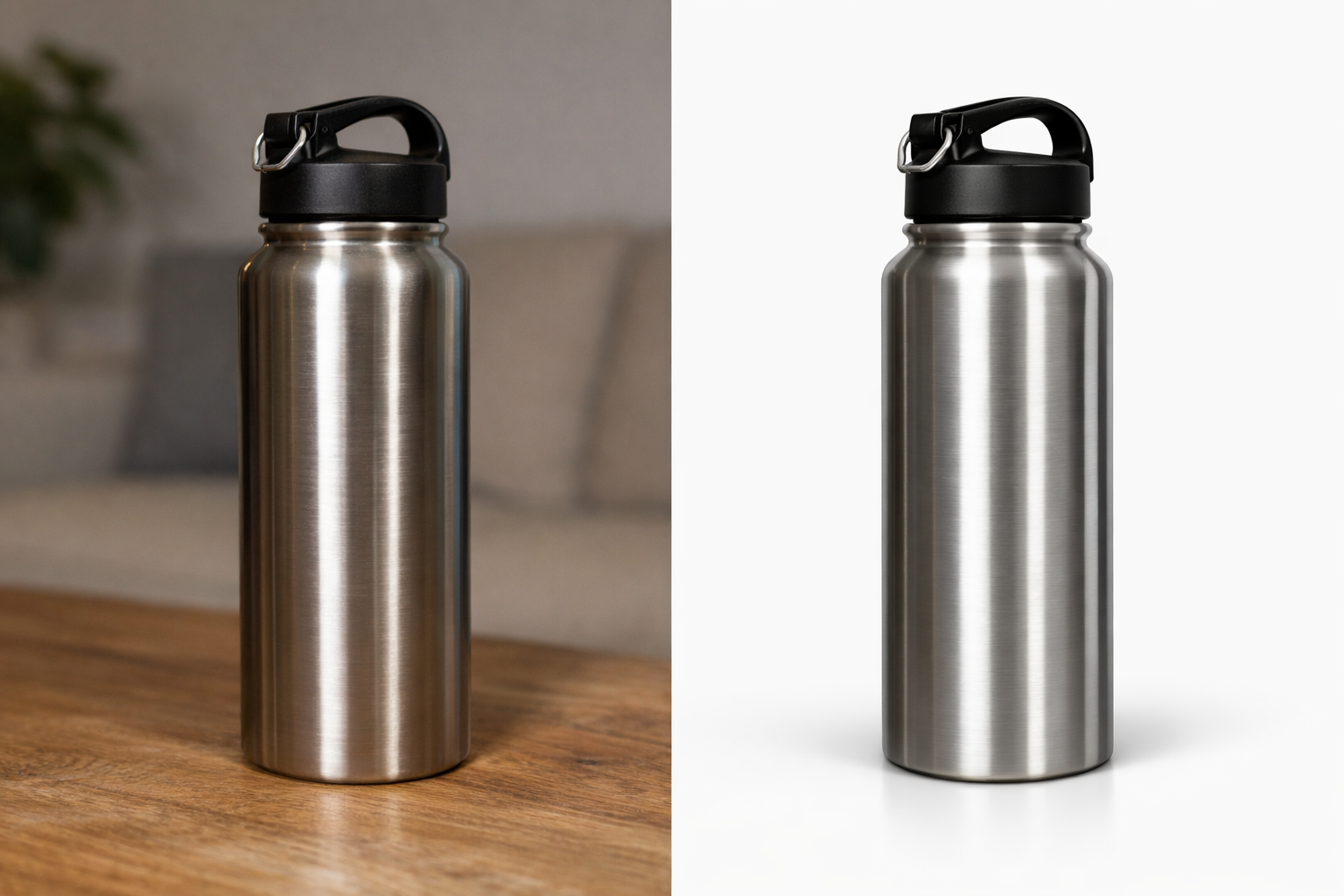
Background removal & basic enhancement
Use AI background removers and enhancers to clean up raw product photos in seconds. Perfect for sellers who need clean, professional-looking images for Etsy, Amazon, and Shopify listings.
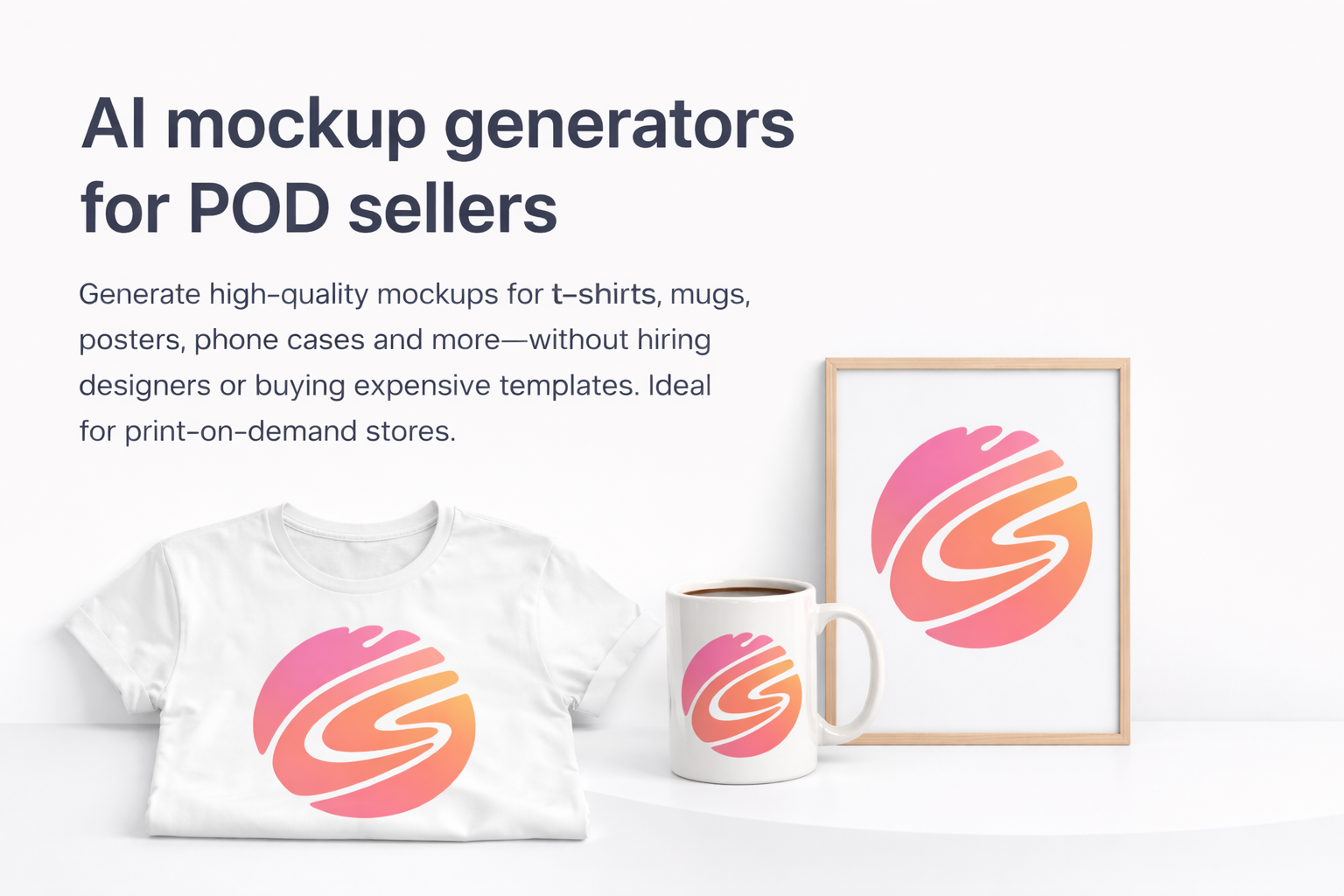
AI mockup generators for POD sellers
Generate high-quality mockups for t-shirts, mugs, posters, phone cases and more—without hiring designers or buying expensive templates. Ideal for print-on-demand stores.
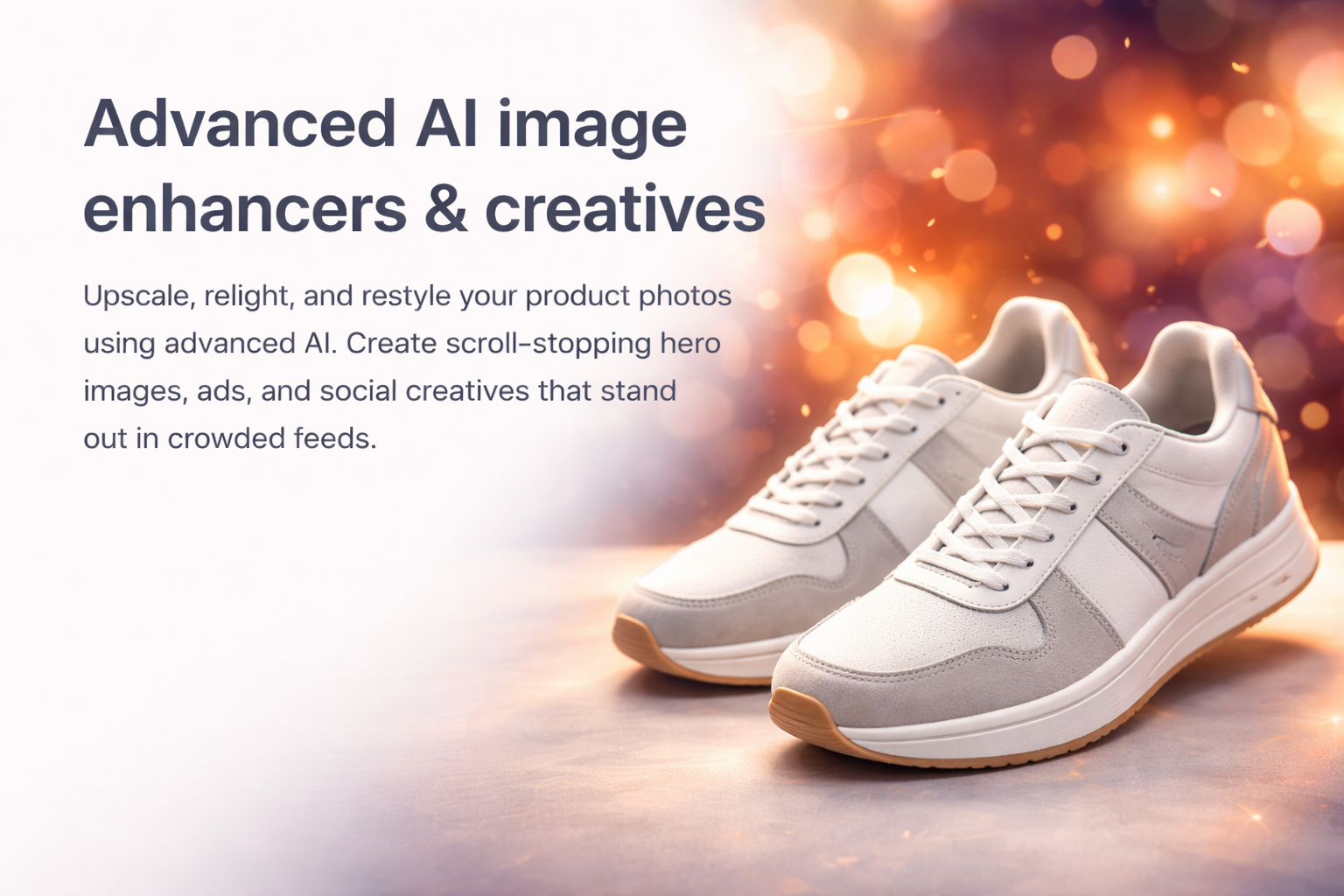
Advanced AI image enhancers & creatives
Upscale, relight, and restyle your product photos using advanced AI. Create scroll-stopping hero images, ads, and social creatives that stand out in crowded feeds.
Featured
Latest tutorials, reviews & comparisons
Fresh guides and evaluations to help ecommerce & POD sellers choose the right AI workflows.
Learn a simple workflow to remove backgrounds, fix lighting, and prepare your product photos for Etsy, Amazon, and Shopify.
A complete breakdown of features, examples, pricing, and best workflows for POD & ecommerce sellers.
A curated comparison of the top AI mockup generators for t-shirts, mugs, posters, and more.
FAQs
Frequently asked questions
Answers to common questions about AI product photos, tools, and how SellerImageAI can help ecommerce & POD sellers.
What is SellerImageAI?
SellerImageAI is a content and research hub focused on AI tools for ecommerce and POD sellers. We test tools, write tutorials, and share workflows that help you create better product photos without being a designer.
Do I need design skills or expensive software to use these workflows?
No. Most workflows on SellerImageAI are based on user-friendly AI tools that run in the browser. If you can upload an image, type a prompt, and click a few buttons, you can follow our guides.
Which platforms do these tips and tools work for?
The workflows are mainly designed for Etsy, Amazon, Shopify and other ecommerce or POD platforms. In most cases, you can also apply the same ideas to WooCommerce, eBay, and social media ads.
Are the AI tools you recommend free?
Many tools offer free plans or free trials, but most serious sellers eventually use a paid plan. In our reviews, we clearly explain the pricing, what’s included in each plan, and which option is best for different types of sellers.
Do you earn commissions from the tools you recommend?
Some of the links on SellerImageAI are affiliate links. If you sign up or purchase through those links, we may earn a commission at no extra cost to you. This helps us keep testing tools, writing tutorials and updating the site.
How do I get started if I’m new to AI product photos?
Start with basic workflows: cleaning backgrounds, fixing lighting, and generating simple mockups. Read one tutorial from our “Getting started” section, apply it to a few products, and then slowly test more advanced tools and techniques.
Built for
ecommerce & POD sellers
Stop guessing which AI tool to try next. Use tested workflows and honest reviews to choose the right tools for your product photos.